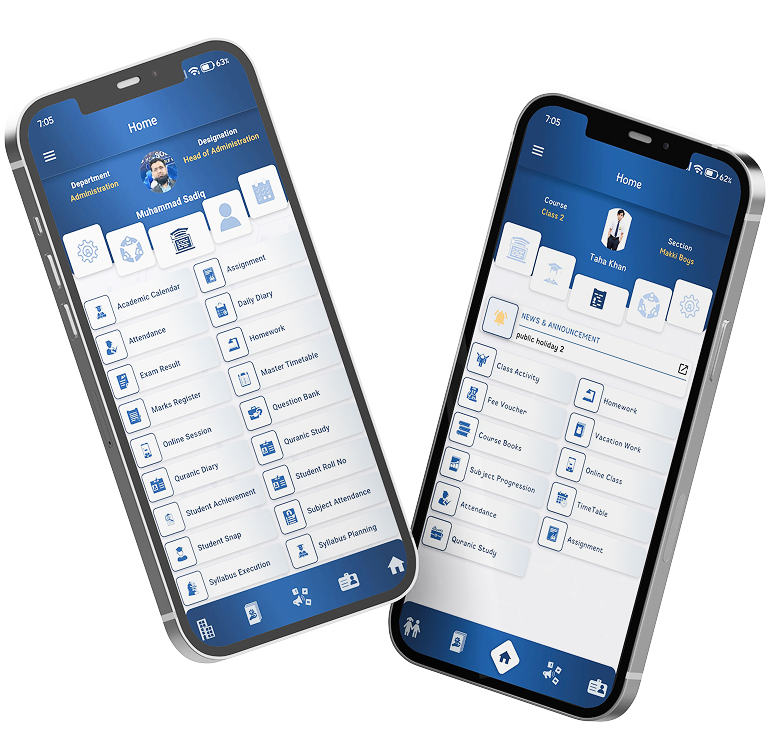
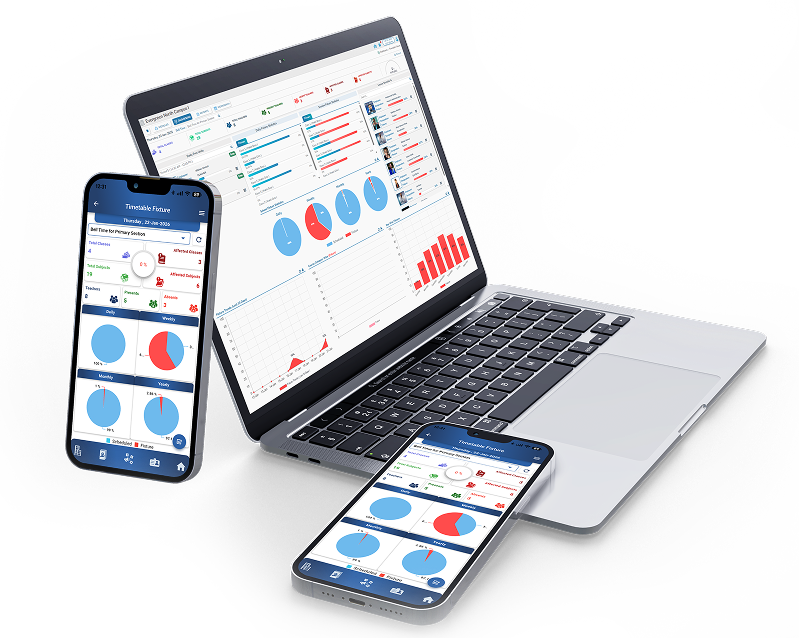
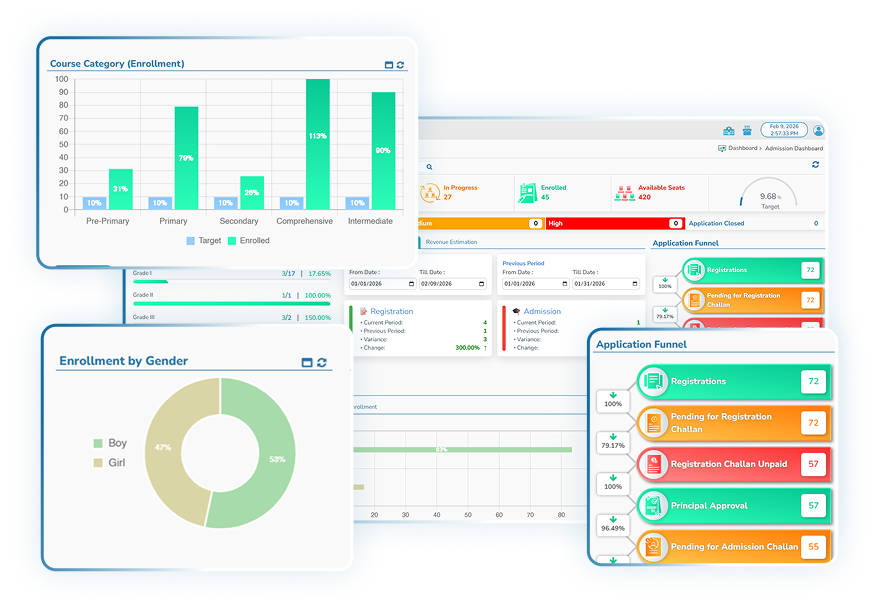
Attendance

Features:

Home > Core Modules > Attendance

EDAP
Attendance

Module Overview

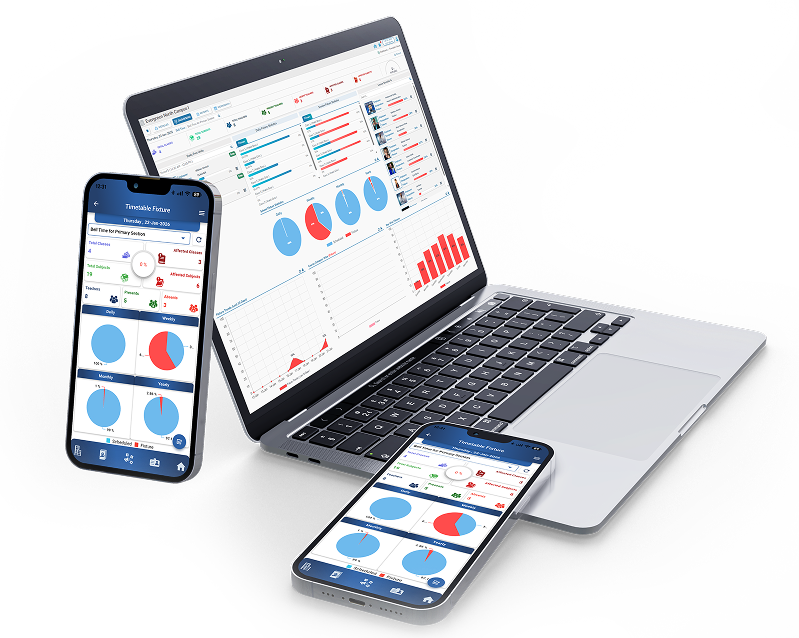
This module replaces manual registers and fragmented reports with a live attendance intelligence dashboard, empowering management, academic teams, and administrators to monitor attendance across classes, categories, and genders, identify absenteeism patterns early, evaluate attendance performance at daily, monthly, and yearly levels, and take informed actions based on data, not assumptions.

Background

Why the Student Attendance Module Is Essential

Attendance directly reflects:

  • Student engagement
  • Institutional discipline
  • Academic continuity
  • Parent-school coordination
Attendance directly reflects:

Without structured monitoring:

  • Chronic absenteeism goes unnoticed
  • Late arrivals and suspensions are not tracked consistently
  • Decision-making becomes reactive rather than preventive
Without structured monitoring:

The EDAP Attendance Module ensures continuous visibility, structured tracking, and data-driven oversight of student presence.

Central Attendance Dashboard
Background
01

How the Attendance Works

The system provides yearly and monthly statistics, showing:

  • Present percentage
  • Absent percentage
  • Leave percentage

An AI-assisted insights panel summarizes:

  • Key strengths
  • Areas for improvement
  • Recommended actions with priority levels

These insights are generated directly from attendance data patterns visible in the dashboard.

02

Central Attendance Dashboard

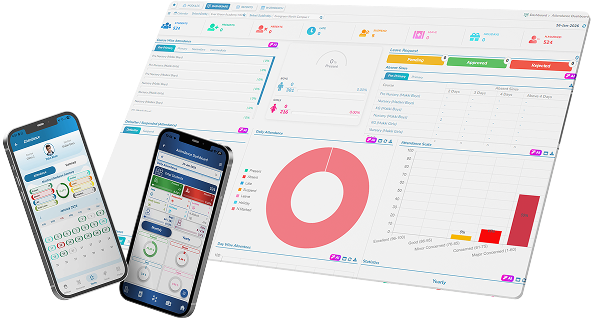
The Attendance Dashboard presents real-time summary indicators, including:

  • Total Students
  • Present
  • Absent
  • Late
  • Suspended
  • Leave
  • Holidays
  • Not Marked

These indicators give management an instant overview of the day’s attendance status.

Background
Course-Wise Attendance Monitoring
03

Course-Wise Attendance Monitoring

Attendance is tracked and displayed course-wise, segmented by:

  • Pre-Primary
  • Primary
  • Secondary
  • Intermediate (where applicable)

Each course shows attendance percentage, enabling quick comparison across levels.

04

Gender-Wise Attendance Distribution

The dashboard visually separates attendance by:

  • Boys
  • Girls

This helps institutions identify gender-specific attendance trends and engagement patterns.

Gender-Wise Attendance Distribution
Attendance Status Classification
05

Attendance Status Classification

Attendance data is categorized clearly into:

  • Present
  • Absent
  • Late
  • Suspended
  • Leave
  • Holiday
  • Not Marked

A donut chart displays proportional distribution, making attendance health immediately understandable.

06

Leave Request Tracking

The system tracks student leave requests by status:

  • Pending
  • Approved
  • Rejected

This ensures transparency and accountability in leave management.

Leave Request Tracking
Daily Attendance Analysis
07

Daily Attendance Analysis

The module provides day-wise absentee trends, showing:

  • Absentee counts for each weekday
  • Variations across the week

This allows management to detect recurring absentee patterns on specific days.

08

Attendance Scale & Concern Levels

Attendance performance is evaluated using an attendance scale, categorizing students into levels such as:

  • Excellent
  • Good
  • Minor Concern
  • Concerned
  • Major Concern

This classification supports early identification of attendance risks.

Attendance Scale & Concern Levels
Category-Wise Attendance Summary
09

Category-Wise Attendance Summary

Attendance is further analyzed by student categories, including:

  • Day Scholars
  • Boarders
  • Toppers
  • Enrolled
  • Dropouts (where applicable)

This enables deeper insight into attendance behavior across different student groups.

10

Historical Attendance Trends

The module displays:

  • Attendance overview for the last 10 days
  • Last 7 days comparison
  • Last 7 months trends

These views help institutions track consistency, improvement, or decline over time.

Historical Attendance Trends
Reason-Wise Absentee Analysis
11

Reason-Wise Absentee Analysis

Attendance data is categorized by reasons for absence, such as:

  • Attended Event
  • Fever & Flu
  • Traffic Issues
  • Woke Up Late

This allows institutions to understand why students are absent, not just how many.

12

Key Features & Functionalities

  • Real-time attendance dashboard
  • Course-wise and category-wise attendance tracking
  • Gender-based attendance analysis
  • Leave request management
  • Daily, weekly, monthly, and yearly attendance trends
  • Attendance scale and concern categorization
  • Reason-wise absentee tracking
  • Data-driven insights and recommendations

All features are directly validated from the shared EDAP Attendance screens.

Key Features & Functionalities

Contribution to EDAP Core Objectives

Significant Cost Savings
  • Eliminates manual attendance registers
  • Reduces administrative follow-ups
  • Minimizes data reconciliation efforts
Empowered Stakeholders
  • Management views attendance health instantly
  • Academic heads access actionable insights
  • Administrators monitor compliance without manual reports
Enhanced Workflows
  • Automated attendance aggregation
  • Structured classification of attendance issues
  • Faster identification of problem areas
Quality Assurance
  • Continuous monitoring of student engagement
  • Early warning for attendance risks
  • Consistent attendance evaluation standards
Communication
  • Clear visibility of attendance status
  • Data-backed discussions with parents
  • Improved coordination between academic and administrative teams

Value Proposition

The EDAP Student Attendance Module transforms attendance from routine record-keeping into a strategic decision-making tool.

Institutions gain:

  • Visibility instead of blind spots
  • Trends instead of raw numbers
  • Prevention instead of reaction
Attendance